
Restoration
Water Damage Restoration Leads: Organize Urgent Inquiries and Human Callbacks

For water damage restoration lead follow up, capture every inquiry in one place, send an honest acknowledgment, give one named person the human callback, and keep records of everything. Here's how.
Introduction
Digital Growth Systems (DGS) is a marketing technology, website, CRM and automation company based in Greer, South Carolina, serving owner-operated healthy-home businesses across the United States. For water damage restoration lead follow up, the short answer is this: capture every inquiry in one place, send an honest acknowledgment, give one named person the human callback, and keep records of everything. DGS builds the connected tools for that. DGS does not perform remediation, dispatch crews, or promise anyone a 24/7 human on the line.
That last part matters. A text that says "we got your message" is not a truck in the driveway.
What Does Water Damage Restoration Lead Follow Up Involve?
Most owners picture it as "call them back fast." Sure. But the real job starts earlier and runs later.
It covers the call that rang out at 9:40 p.m., the form someone filled out from a flooded basement on their phone, the text that landed on a personal cell, and the email that sat unread over a weekend. Each one has to land somewhere visible. Each needs a stage, a note, and an owner. Then comes the part people skip: what happens on day three, and day ninety.
The market around this work is crowded. One industry directory counts 16,880 U.S. restoration provider records in 2024, and Cleanfax's benchmarking survey reports that water damage remains the profit driver for 52% of contractors. Plenty of competitors, and a lot riding on one line of work. Sloppy follow-up is an expensive habit.
Acknowledgment vs. Dispatch
An acknowledgment confirms receipt. That's all it does.
Dispatch means a person decides to send a crew, and a crew actually goes. No automation does that for you, and a missed-call text should never pretend otherwise. The missed call text back tool sends a configured message when a call goes unanswered, and then your team follows up. Human, not instant. Emergency work still depends on who is actually awake, staffed and available.
If a homeowner reads your automated text as "help is coming," you've created a dispute before you've created a job.
Callback vs. Nurture
Two different animals, and owners lump them together constantly.
A callback is a person reaching a person, usually within hours, to sort out what's happening: burst pipe, sewage backup, a damp crawlspace nobody can explain. Nurture is the slower stuff. Estimate reminders, a maintenance note, a seasonal check-in. It runs on templates and schedules.
Acknowledgment | Callback | Nurture | |
|---|---|---|---|
Who sends it | Automation | A named team member | Automation, using templates |
Purpose | Confirm receipt, set expectations | Gather details, decide next step | Stay useful over time |
Timing | Right after the inquiry | As soon as your team can realistically manage | Days to months later |
Stops when | Callback begins | Job booked or lead declines | Customer replies or opts out |
Why Do Urgent Water Damage Inquiries Slip Through the Cracks?
Rarely because the team is lazy. Usually because the system is a pile of habits.
Calls go to one phone, texts to another, web forms to an inbox somebody checks on Tuesdays. Nobody is wrong, exactly. The lead just fell between three people who each assumed another one had it.
Missed Calls and After-Hours Forms
Water doesn't keep business hours. A pipe lets go on a Saturday night in Greer, and the homeowner is calling four companies in a row, probably while standing in an inch of water. Whoever answers, or at least acknowledges, usually stays in the conversation.
Hypothetical example: a two-truck outfit in the Upstate misses a call during a job. No voicemail left, no text sent. The caller moves on to the next listing in the search results. Nothing dramatic happened. A lead just quietly vanished.
An after-hours estimate form has the same problem. If it only sends an email to a shared address, the inquiry waits. A functional website with mobile-friendly calling and forms that write straight into the CRM at least puts the inquiry somewhere your team can see it.
Scattered Notes and Unclear Ownership
Notes in a text thread. A sticky note on the dash. A spreadsheet from last spring that two people edit differently.
Then a homeowner calls back asking who they talked to, and everyone shrugs. Without an owner assigned to the lead, follow-up becomes a rumor. A CRM with stages, notes, tasks and team ownership replaces the rumor with a record.
Service-Area Confusion
Quick test: does your website say where you actually work? Not "serving the region." The actual counties, towns, maybe ZIP codes.
Out-of-area inquiries eat callback time. A crew lead spends twenty minutes on a call for a property two hours past the line, then has to say no. Clear service areas on the site, plus a service-area flag in the CRM, keep those calls from clogging the queue. And if you buy shared pay per lead inquiries from a lead generation service, check where those leads are actually coming from. Wrong-area and wrong-number leads are common enough that you should plan for them.
How Do You Organize Urgent Inquiries From Day One?
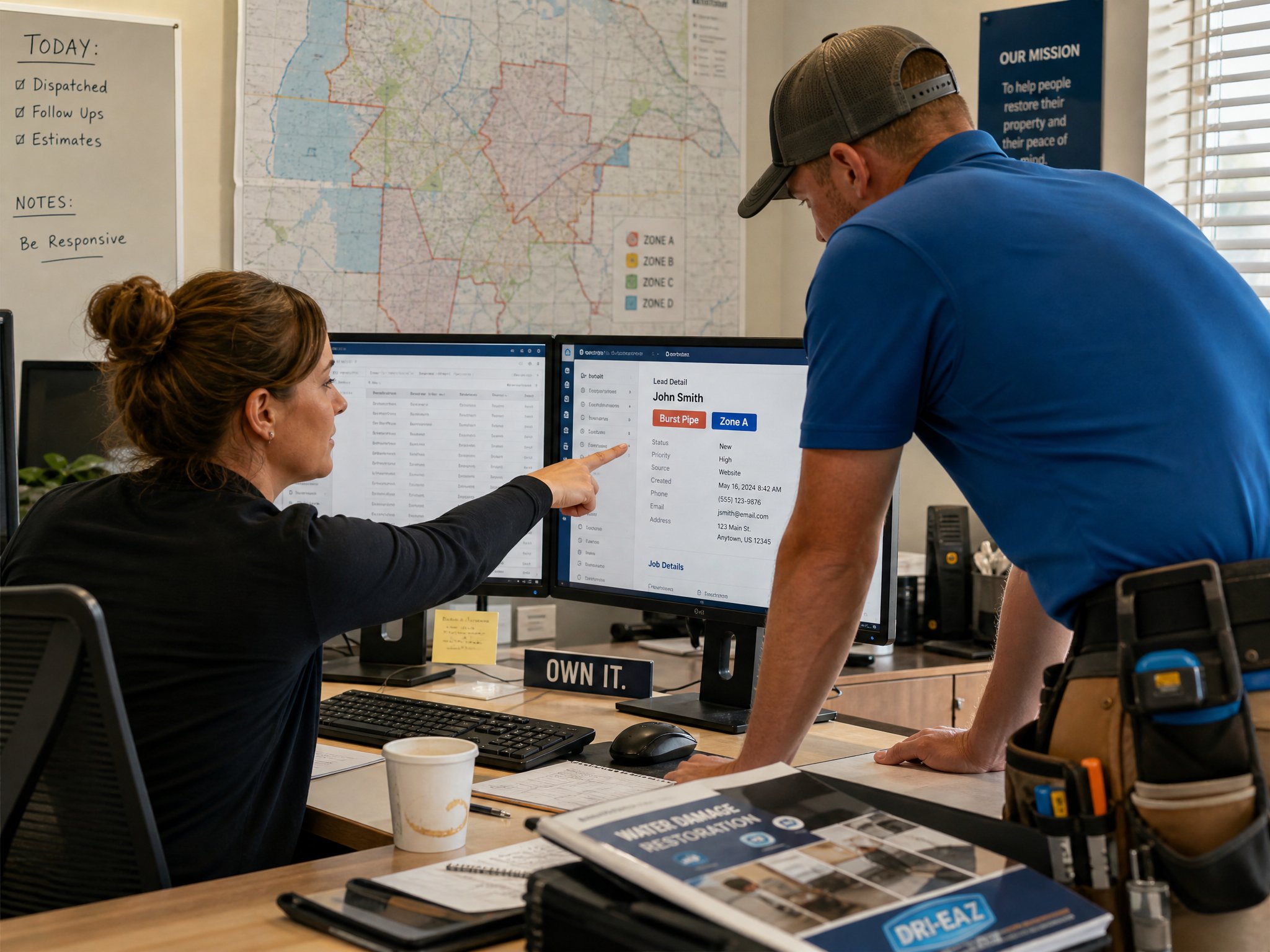
Start small. You don't need a twelve-step system, just a few moves in the right order. Sequence matters more than sophistication.
Capture Every Channel in One Inbox
Calls, texts, email, web forms. Every channel your business actually uses should feed the All-In-One Inbox, so a message sent to the office line and a message sent to the website look like part of the same pile. DGS's CRM works with supported connected channels. It is not a universal integration promise, so confirm what's connected during setup rather than assuming.
Record Stage, Notes, and Owner
Three fields do most of the work:
Stage: new inquiry, contacted, estimate scheduled, estimate sent, won, lost, or whatever fits your shop.
Notes: short and factual. Source of water, what the homeowner said, whether insurance came up.
Owner: one name, not "the office."
Anyone opening the record should know what happened and what's due next, without calling a coworker.
Flag Service Area and Job Type
Tag each lead by area and by job: burst pipe, flood cleanup, sewage, mold concern, basement seepage. It sounds fussy. In practice, it lets you route a basement waterproofing question to the right person and spot the out-of-area ones in seconds. It also helps once you start looking at water damage restoration marketing results by job type instead of by gut feeling.
What Should an Automated Acknowledgment Say?
Short. Plain. Honest. Written by someone who has had to explain a missed promise to an angry customer.
State What Happens Next
Tell them who follows up and roughly how. Something like: "Thanks for contacting us. Our team has your details and will call or text you during our normal operating hours." Then stop.
If you do staff nights, say so, but only if it's true. Real availability beats an impressive claim.
Avoid Promising Arrival Times
No "we'll be there in 60 minutes." No "24/7 emergency response" unless a live person truly picks up. Automated messages can't see your truck locations, your crew's schedule, or the road closure on Highway 14.
Professional standards give you something firmer to lean on. The IICRC S500 standard governs professional water damage restoration practice, and technical judgment there happens after a human assesses the loss. An automated text can't do that, so it shouldn't imply it did.
Honor Opt-Outs and Replies
If someone writes "stop," the sequence stops. If someone replies with a real question, automation should step back so a human can answer. DGS's automated lead follow up is built around that kind of preference handling where configured, and calling, texting, email and AI usage terms are confirmed before activation. Consent and messaging rules vary, so run your own practices past a qualified advisor.
Who Owns the Human Callback?
If the answer is "whoever sees it first," the answer is nobody.
Assign One Responsible Person
Pick one owner per callback task and make it visible. Backups are fine, but there should be a primary. Two people who both think they'll handle it will call the same homeowner twice, or neither will call at all.
Set Realistic Availability
Be careful here. Tools like a business phone can reflect your hours and routing, but the details of setup and usage are reviewed at the demo, and no phone system creates staff you don't have. If your lead tech is on a job until 6 p.m., your acknowledgment should say callbacks happen in the evening or next morning. A promise you can keep is a better marketing asset than one you can't.
Log Every Callback Attempt
Left a voicemail? Log it. Texted? Log it. Reached them and they wanted to think? Log that too, with a follow-up task date.
An attempt that isn't recorded might as well not have happened, at least when somebody asks later.
How Should You Follow Up After the Emergency Passes?
Many owners stop here, and it's a mistake. Water damage is rarely a closed case the day the basement dries. Homeowners often keep worrying about it coming back, and some of them will want a consult on how to prevent future intrusion. That's a real conversation worth having.
So the follow-up shifts from urgent to useful. A check-in a week or two later, a seasonal reminder before heavy rains, a note about what your team found. Keep it short, keep it specific, and let the customer opt out the moment they want to. If they want to talk prevention, talk prevention. If they don't, stop clogging their phone.
Write Useful Check-Ins, Not "Just Checking In" Messages
"Just checking in!" is wallpaper. Nobody replies to wallpaper.
Try something with a reason attached. An estimate reminder that restates what you quoted and offers to answer questions. A maintenance tip tied to the job you did. A referral nudge for someone who seemed happy. One-click campaign templates for referral, seasonal, maintenance and reactivation messages can cover the drafting, though they're ready-to-customize templates, not unlimited custom agency labor. Edit them so they sound like your shop and not a brochure.
And skip the big promises. You can't promise a basement will never flood again. You can say what the work addresses and what it doesn't. That honesty is what keeps a customer on your side when something gets complicated.
If you're also building the review side, request honest reviews from customers it makes sense to ask, consistently, with no incentives and no review gating. Nobody can promise star counts.
Keep Records Organized for Future Disputes
Disputes tend to show up months later. A customer says no one told them the drying wouldn't stop a future leak. Or that nobody called back. Or that the scope was different.
Your CRM becomes the memory. Acknowledgments sent, callback attempts, who owned the lead, notes on what you explained, estimate versions. This isn't legal advice, and any real dispute belongs with an attorney or your insurer. But a clean timeline is a far better starting point than reconstructing events from three phones and a shoebox.
It also helps with insurance-driven jobs, where claims paperwork and conversations with adjusters can pile up fast. Record what you were told and when.
Which Next Steps Fit Your Team?
Match the system to the crew you have, not the one you'd like. A three-person shop doesn't need an eleven-touch sequence. Two or three useful messages beat a drip nobody has time to answer.
Here's a sensible order. Get the website and service areas clear. Turn on missed-call acknowledgment. Funnel channels into the inbox. Assign owners. Then add templates. Local SEO foundations help your structure and relevance, though they don't guarantee rankings or leads, and ongoing custom SEO and ad management are separate. The seven core connected tools run together at $297 a month (see pricing), with printing quoted separately.
Conclusion
Urgent inquiries slip when channels are scattered, owners are fuzzy, and automation gets mistaken for dispatch. Fix those three, and most of the rest gets easier.
If you'd like to see how the inbox, missed-call acknowledgment and follow-up fit your water damage restoration business, book a demo with Digital Growth Systems.
Want these workflows set up for your business?
The Digital Growth System includes missed-call text-back, estimate follow-up, and honest review requests, one plan, $297/month.
Keep reading
Lead Follow-Up
Missed-call follow-up basics
Most healthy-home service companies miss calls every day, not because they're disorganized, but because they're on a job. Here's how to think about follow-up so those calls don't disappear.
Lead Follow-Up
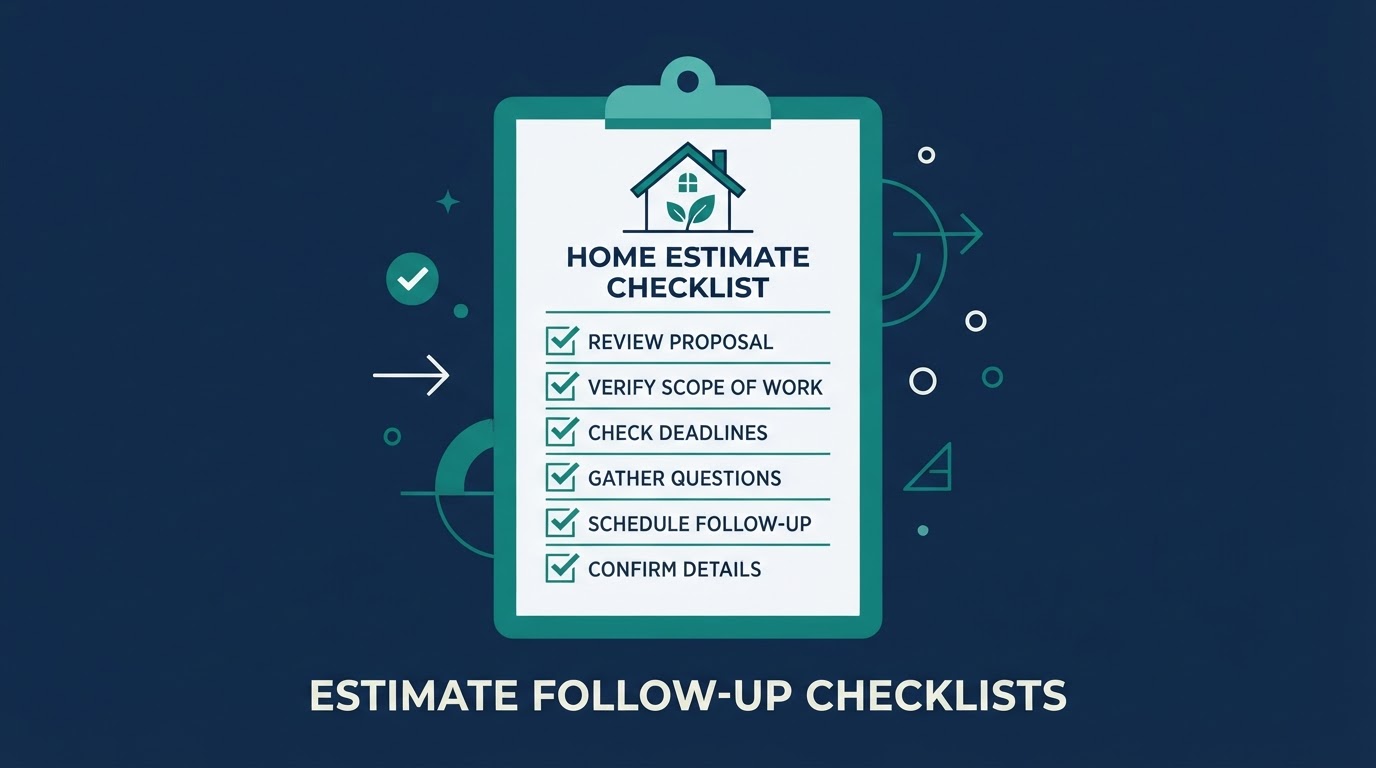
Estimate follow-up checklist
Healthy-home estimates (waterproofing, water treatment, air quality) often involve long consideration windows. A simple follow-up checklist keeps proposals from going cold.