
Automation
CRM for Home Service Businesses: A Simple Lead Pipeline That Works

A CRM for a home service business catches every inquiry, shows where each one stands from first contact to won or lost, and assigns a person and a next step to every handoff. Here's how to build a simple four-stage pipeline that works.
Introduction
A CRM for a home service business is a single system that catches every inquiry, shows where each one stands from first contact to won or lost, and assigns a person and a next step to every handoff. That's the whole job. Scheduling trucks and sending invoices is a different job, and mixing the two up is how owners end up paying for software that fits neither.
Digital Growth Systems (DGS) is a marketing technology, website, CRM and automation company based in Greer, South Carolina, serving businesses across the United States. Our focus is owner-operated healthy-home trades: mold remediation, water damage restoration, basement waterproofing, crawlspace work, water treatment, indoor air quality, radon, and pest control. We don't perform any of that work ourselves. We build the systems around it.
So here's what this guide covers: what a CRM should do for a small crew, where sales CRMs and field service software split, how to build a four-stage pipeline, how to fold phone, text, email and web forms into one inbox, and what to ask before you switch.
What Does a Home Service Business Need From a CRM?
Fewer features than the sales pages suggest. Most small shops lose jobs in the gaps, not for lack of dashboards. A voicemail nobody returned. An estimate that sat for nine days. A text that landed on the owner's personal phone while he was under a house.
Lead capture
Every channel has to land in the same place. Calls, texts, email, and web forms. If your website lists vague services and no service areas, the inquiries you do get will be the wrong ones, and if the estimate form is a pain on a phone, you'll lose people who were ready to book.
That's why a functional website belongs in the CRM conversation at all. Clear service pages, tap-to-call buttons, a short estimate form that writes straight into the pipeline, plus the basics of titles, meta descriptions and internal links. No ranking promises attached. Just a front door that works.
Pipeline visibility
Open the system on Monday morning and you should know, in about thirty seconds, who is waiting on you. Stages, notes, tasks, and a named owner on each record. That's what a CRM is supposed to give you. Note the limit, though: connected channels are supported, but no CRM integrates with everything, and anyone who says otherwise is selling.
Follow-up discipline
Speed matters here, and the numbers are blunt. One industry benchmark roundup reports that roughly 78% of homeowners go with the first business that responds. Treat that as directional, since it's a vendor-compiled figure, but it matches what owners tell anyone who'll listen.
Good follow-up means an immediate acknowledgment, estimate reminders, and agreed sequences that stop when the customer replies or opts out. Automation handles the nudge. A person handles the conversation.
Should You Choose a Sales CRM or Field Service Software?
Depends on where you're bleeding. If leads are slipping away, you have a sales problem. If jobs are colliding on the calendar, you have an operations problem. Different tools.
Sales CRM | Field service software | |
|---|---|---|
Core job | Capture, nurture, convert leads | Schedule, dispatch, invoice |
Strength | Pipeline, follow-up, ownership | Calendar, routing, mobile work orders |
Weak spot | Won't run your trucks | Lead nurture is often thin |
Typical pain it fixes | Missed inquiries | Double-booked technicians |
Sales CRM strengths
Structure. A sales CRM forces every inquiry into a stage, gives it an owner, and nags you until somebody acts. It's built for the stretch between "someone called" and "someone said yes." For a shop where the owner still answers half the calls, that stretch is where revenue leaks.
Field service software strengths
Platforms like Jobber, Housecall Pro and ServiceTitan are built around the calendar, dispatch, routing, and invoicing. Many contractors lean on them for exactly that, and Jobber's own home service trends report is worth skimming for how customers now expect same-day responses. It's the company's data, so read it with that in mind.
I'll be plain about it: a generic sales pipeline won't schedule your technician, and ServiceTitan can be heavy for a tiny shop, with a real implementation and admin commitment. DGS isn't field service software either. Our CRM covers stages, notes, tasks, ownership and supported communication channels. It doesn't claim to replace a dispatch board.
When to use both
When the calendar gets crowded enough that scheduling needs its own tool. Keep the sales CRM for lead capture and follow-up discipline, add field service software for dispatch and job tracking, and decide up front which system is the source of truth at each handoff. Two systems with no rule about who owns what is worse than one mediocre system.
How Do You Build a Simple Lead Pipeline?

Four stages. That's it. Anything more and your crew stops updating it.
Inquiry/Contact
Inspection/Estimate
Won
Lost
Resist the urge to add "Thinking About It," "Waiting on Spouse," and nine others. Use notes and tasks for nuance.
Inquiry and contact
Everything starts here, whether it arrived by form, text, call or email. Acknowledge it automatically, assign an owner, and create the first task before anyone closes the tab. A hypothetical: a homeowner in Greer fills out a form about a damp crawlspace at 8 p.m. She gets an acknowledgment within moments, the record shows an owner, and a task waits for the morning. Nobody had to remember anything.
Inspection and estimate
Move the record when the visit is booked, and attach tasks for confirmation and reminders. Findings go in the CRM notes, not in a tech's truck or a text thread. Estimate follow-up gets its own task with a date. Frankly, this is the stage where most small shops go quiet, so put the date on the calendar when the estimate goes out, not "sometime next week."
Won and lost
Won means accepted. Trigger the handoff to scheduling, then queue a review request for the right customers, asked honestly, no incentives, no filtering for happy ones, and no promises about star ratings. Lost means a reason in the notes. "Went with a cheaper bid" and "not ready until spring" are very different futures, and the second one is a reactivation campaign waiting to happen.
Map Your Inbox Channels to One Pipeline
Why does this matter? Because customers don't pick the channel you prefer. They pick the one in their hand.
Supported channels
DGS's All-In-One Inbox pulls supported channels into one conversation view tied to the pipeline: business phone calling and texting, email, and web form submissions. Support is for connected channels, not every tool on the planet. And calling, texting, email and AI usage terms get confirmed before anything is activated, which is the boring part nobody should skip.
Missed calls
You can't answer every call. You're on a roof, in a crawlspace, wearing a respirator. Missed Call Text Back sends a configured acknowledgment after a missed call, and then your team follows up. What it isn't: emergency dispatch, or a guarantee of an instant human reply. If a basement is actively flooding, your voicemail greeting should say what to do, because a text won't send a pump.
Web forms
Short forms. Name, phone, service needed, address or ZIP, and a message. Every submission should create a record in the CRM with a source tag, so you can see later which channel actually produced jobs. Referral sources matter too: the Jobber report notes referrals still drive a large share of leads, which is a good reason to tag them from day one.
Assign Tasks and Owners at Every Handoff
A pipeline without owners is a bulletin board.
Task rules
Write them down. New inquiry creates a first-contact task. Booked inspection creates a confirmation task. Sent estimate creates a follow-up task. Won job creates a review-request task. Reply or opt-out stops the automated sequence where configured. Automated Lead Follow Up can carry the acknowledgments, estimate reminders, and agreed sequences, but the rules themselves come from you.
Owner rules
Pick a routing logic and stick to it. By service type, by ZIP, by who's in the office that day. In a five-person shop, it can be as simple as "Dana owns anything that comes in before noon." Team ownership is supported, but confirm how your channels and users are set up during setup, not after the first dropped lead.
Handoff notes
Two or three sentences. What the customer wants, what you saw, what they said about budget, what happens next. A tech who writes "see photos" has handed off nothing. A crawlspace job that goes from inspector to estimator to scheduler can pass through three people, and the notes are the only thing that travels with it.
Which CRM Fits a Small Crew in Upstate South Carolina?
Size changes the answer more than trade does.
Solo to 5 employees
You need a website that captures inquiries, one inbox, missed-call text back, and basic follow-up with clear owner rules so one person can run it. That's about it. A scheduling app like Jobber may be a good companion, and it can sit beside the sales side.
DGS offers seven core connected tools together at $297/month, with the details on the pricing page in plain terms. Printing is scoped and quoted separately, business phone setup and usage are reviewed at the demo, and ongoing custom SEO campaigns and advertising management are separate.
5 to 20 employees
More hands, more handoffs. Tighten the stage definitions, add routing by service line, and start using customer campaigns: referral, seasonal, maintenance, and reactivation templates you customize for your business. They're templates, not unlimited agency labor. Pair that with foundational local SEO and an ongoing review request habit.
Adoption is the real risk at this size. A structured rollout, clear ownership and team training matter because software that nobody uses cannot improve your pipeline.
20+ employees
You'll likely need dedicated scheduling and dispatch software alongside the pipeline, and possibly custom integrations. DGS focuses on marketing, CRM and automation, so at this size it would typically be the front half of a two-system setup.
Run a Weekly Pipeline Review
Thirty minutes, same day every week. Open the pipeline and ask three things. What's stuck in Inquiry for more than two days? Which estimates went out with no follow-up task? Which Lost records deserve a reactivation message in a month or two?
Fix the bottleneck you find, then close the tab. Don't redesign the system every Friday.
What Should You Compare Before Switching CRMs?
Bring a short list to every demo, whoever's demo it is:
How inquiries from phone, text, email and forms reach one pipeline
Whether tasks and owners are enforced or just suggested
What follow-up automation can and can't do, including opt-out handling
Which channels are actually connected
What calling, texting, email and AI terms apply
What's included, and what's billed separately
Then ask the question owners forget: what happens to my data and my numbers if I leave? Get that answer in writing, from any vendor.
FAQ
Does a CRM guarantee more leads? No. It helps you stop losing the ones you already get.
Will Local SEO rank me first? No ranking or lead guarantees. It builds foundational structure and relevance.
Is Missed Call Text Back emergency dispatch? No. It acknowledges a missed call, and then your team follows up.
Will reviews guarantee five stars? No. Review requests go to appropriate customers, honestly, without incentives.
Are campaigns unlimited custom work? No. They're customizable templates.
Is printing included? It's quoted separately.
Conclusion
Capture every inquiry in one place, move it through four honest stages, give every handoff an owner and a task, and review it weekly. Add field service software when the calendar demands it, not before.
If you want to see how this fits your trade and crew size, book a demo at /book-a-demo.
Want these workflows set up for your business?
The Digital Growth System includes missed-call text-back, estimate follow-up, and honest review requests, one plan, $297/month.
Keep reading
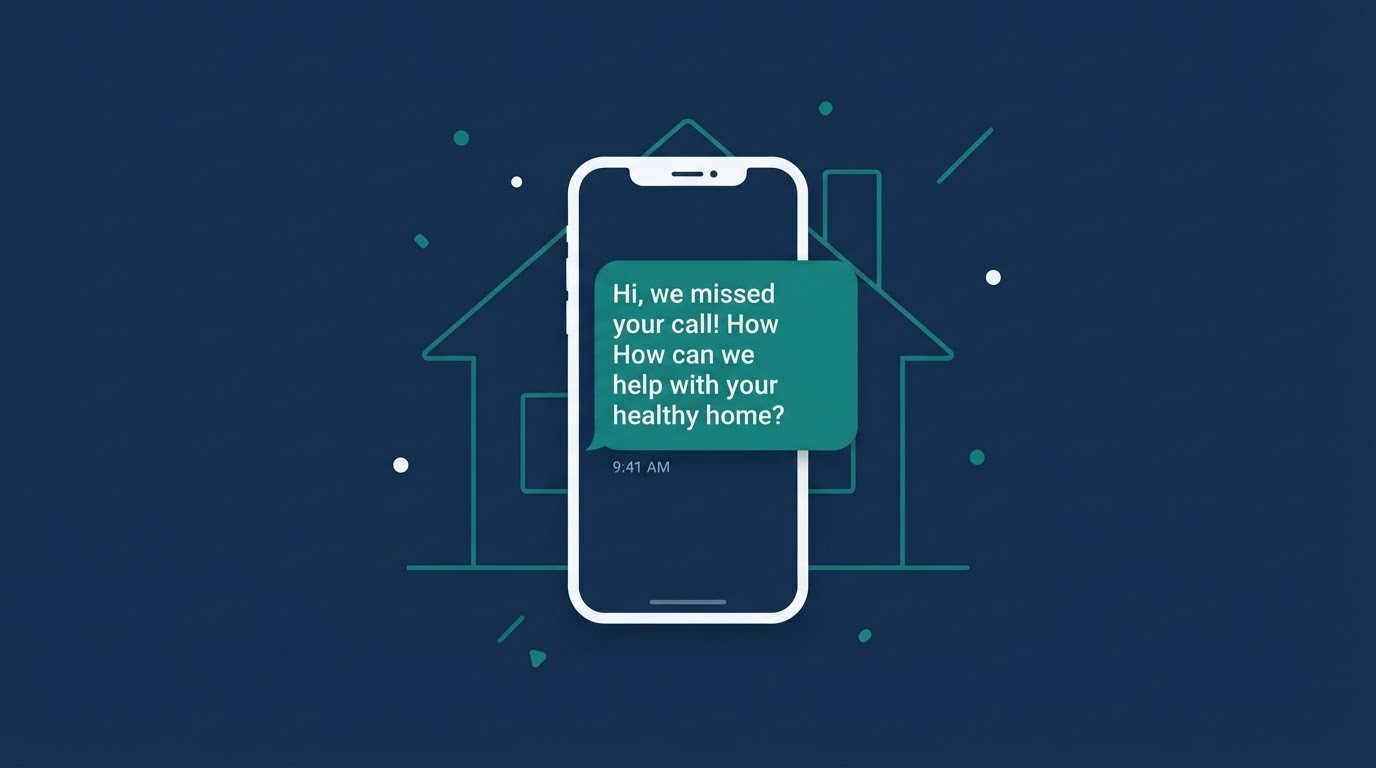
Lead Follow-Up
Missed-call follow-up basics
Most healthy-home service companies miss calls every day, not because they're disorganized, but because they're on a job. Here's how to think about follow-up so those calls don't disappear.
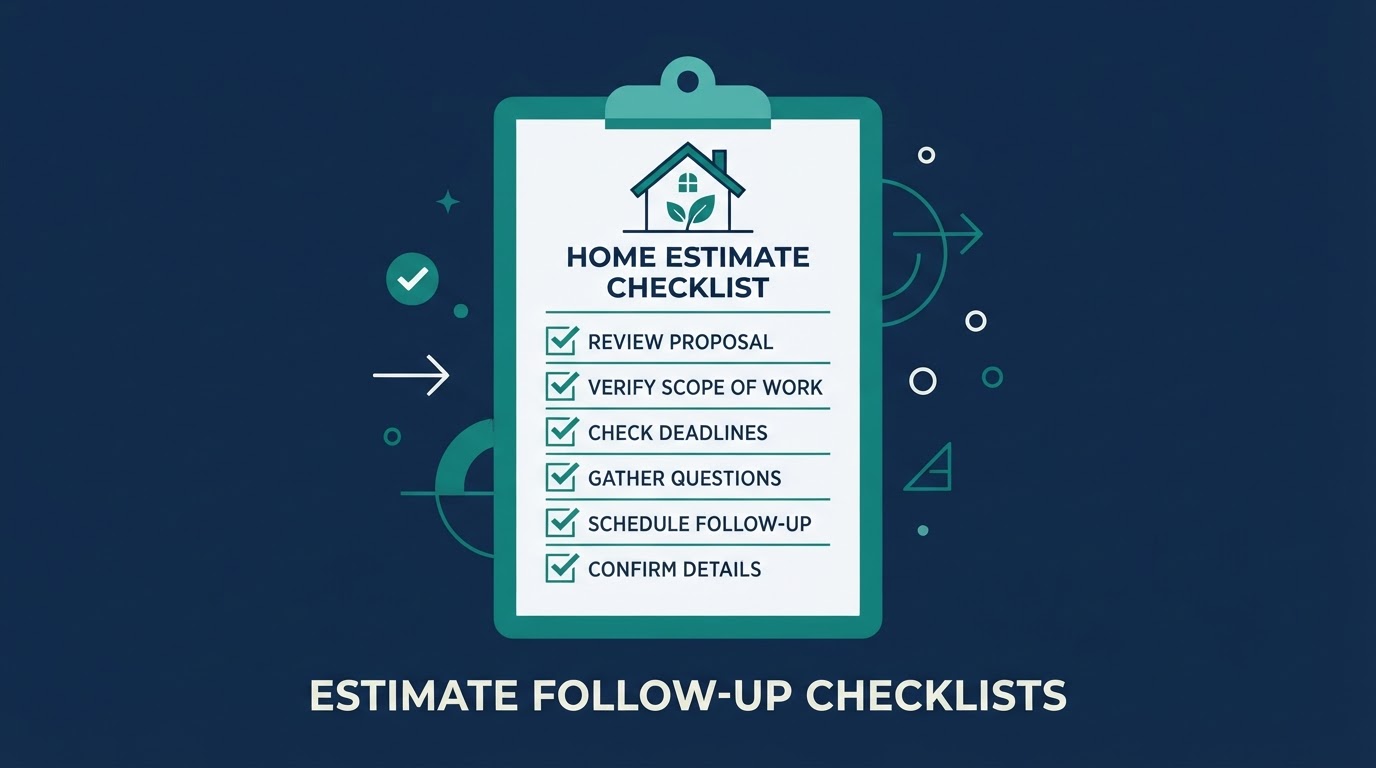
Lead Follow-Up
Estimate follow-up checklist
Healthy-home estimates (waterproofing, water treatment, air quality) often involve long consideration windows. A simple follow-up checklist keeps proposals from going cold.