
Lead Follow-Up
How to Follow Up on Contractor Estimates Without Chasing Homeowners

You sent the estimate. The homeowner said "looks good, we'll let you know." Then nothing, for nine days. Here's a short, agreed follow-up cadence that runs without chasing homeowners.
Introduction
You sent the estimate. The homeowner said "looks good, we'll let you know." Then nothing, for nine days.
Most owner-operated healthy-home companies, whether that's mold remediation, basement waterproofing, crawlspace work, radon mitigation or pest control, handle that silence one of two ways. They forget about it, or they pester. Both cost bookings. The better answer is a short, agreed cadence: one acknowledgment when the estimate lands, a personal check-in within about two days, one helpful follow-up around day four or five, and a polite close-out by day ten. Every message gets one purpose, stops when the customer replies or opts out, and belongs to a named person in your CRM.
That's the whole idea. The rest of this guide is how to build it so it runs without you babysitting it. Digital Growth Systems (DGS), a marketing technology, website, CRM and automation company in Greer, South Carolina, builds connected systems for service businesses, and the examples below lean on that approach. No tool will guarantee leads or close rates. What a system can do is make sure nothing slips.
How Should Contractors Follow Up on an Estimate?
Start before the estimate exists. If your website captures the inquiry straight into a CRM, you already know who asked, what they asked about and which service area they're in. The acknowledgment goes out automatically, the estimate follows, and a short reminder sequence picks up from there. Nobody retypes a phone number off a sticky note.
Ask yourself what a homeowner in Upstate South Carolina actually wants after a crawlspace inspection. A clear price, a plain explanation of scope, and someone who answers when they have a question. Not a sales campaign.
One Clear Check-In
Every message should ask for exactly one thing. Confirm receipt, or ask a single question, or offer a time to schedule. Stack three asks into one text and the reader answers none of them.
Two Days Is Enough
Within 48 hours, check in. That's long enough that you're not hovering and short enough that your estimate is still the freshest one in their inbox. The automatic acknowledgment covers the first minutes, then a real person from your team follows up. Be honest about what the automation is: a configured acknowledgment, not a promise of instant human response.
Some sales advice says you need five or six touches. I'm skeptical. For a homeowner deciding on a few thousand dollars of waterproofing, a steady drip of nudges feels like a used car lot. Fewer, better messages win.
Three Questions to Ask
Keep your check-ins to these, and rotate them rather than firing all three at once:
Did the estimate reach you okay?
Do you have questions about the price or what's included?
Would you like to pick a time to get on the schedule?
That surfaces the blocker without making the customer feel interrogated.
Why Do Estimates Go Quiet?
Silence rarely means "no." Usually it's one of three things, and your follow-up exists to figure out which.
Price Questions
Sticker shock is common, and people often won't say it out loud. Invite a short call instead of defending the number over text. Walk through options, phasing, or financing if you offer it. Then note the conversation in the CRM so the next message reflects what they told you, not a generic script.
Scope Confusion
Sometimes the homeowner can't tell what's included. A sump pump and drainage line versus a full interior system versus encapsulation are different jobs, and the paperwork can blur them. Send a clarifying message: here's what's covered, here's what isn't, happy to walk through photos or take another look. Log the clarification in the estimate notes so anyone on your team can pick it up cold.
Competing Quotes
They're shopping. Fine. Acknowledge it without flinching, ask what differences they've noticed, and offer to review options or adjust scope. Whatever they say, write it down. If the conversation turns personal, route it to the owner or estimator so a real voice finishes it.
What Does a Healthy Estimate Cadence Look Like?
Here's the shape I'd hand to a ten-person remediation company. Tweak the days to fit your sales cycle.
Window | Purpose | Who sends it |
|---|---|---|
Day 0 | Acknowledge the estimate was delivered | Automated |
Days 1–2 | Confirm receipt, one question | Team member |
Days 4–5 | Add helpful detail, offer a call or re-inspection | Template, personalized |
Days 7–10 | Close out or reopen the door | Template, owner reviews |
Days 1–2
The estimate goes out with an automatic acknowledgment. Within 48 hours a human checks in to confirm it arrived and asks one next-step question. That's it. If the customer answers, the sequence stops and a task lands on the owner's list.
Days 4–5
Now add something useful. Clarify scope, mention a pricing option, or offer a quick call or re-inspection. If the prospect already texted back once or called, make this one personal, with their name and a detail from the visit.
Days 7–10
A final close-out. It either invites last questions or politely closes the file and says you're around if timing changes. Check that the sequence honors stop rules and that the CRM shows the final disposition, whether that's booked, declined or no response.
What Should Each Follow-Up Message Say?
Short. Specific. Answer their likely concern first, offer one concrete next step, and always make replying or opting out simple. The templates below are hypothetical, so adjust the wording for your business and confirm your own texting and email obligations before sending.
First Check-In Template
Hi [Name], this is [Owner] with [Company]. I wanted to make sure the estimate for your basement came through. Any questions on price or what's included? I have openings next week if you'd like to get on the schedule. Reply STOP to opt out.
Automate the first send, then let the CRM assign the reply to a named person.
Helpful Details Template
Hi [Name], quick note on your estimate. It covers [included items], and doesn't include [exclusions]. Happy to hop on a five-minute call or walk through photos if anything's unclear. Does Thursday or Friday work?
Swap in trade language for waterproofing, mold or crawlspace work. Don't invent technical claims or health promises in the template, just describe the work.
Final Close-Out Template
Hi [Name], I'll close out your estimate for now so I'm not cluttering your inbox. If timing or budget changes, just reply here and we'll pick it back up. Thanks for considering us.
Nothing in it promises emergency response. It simply leaves the door open.
When Should Follow-Up Stop?
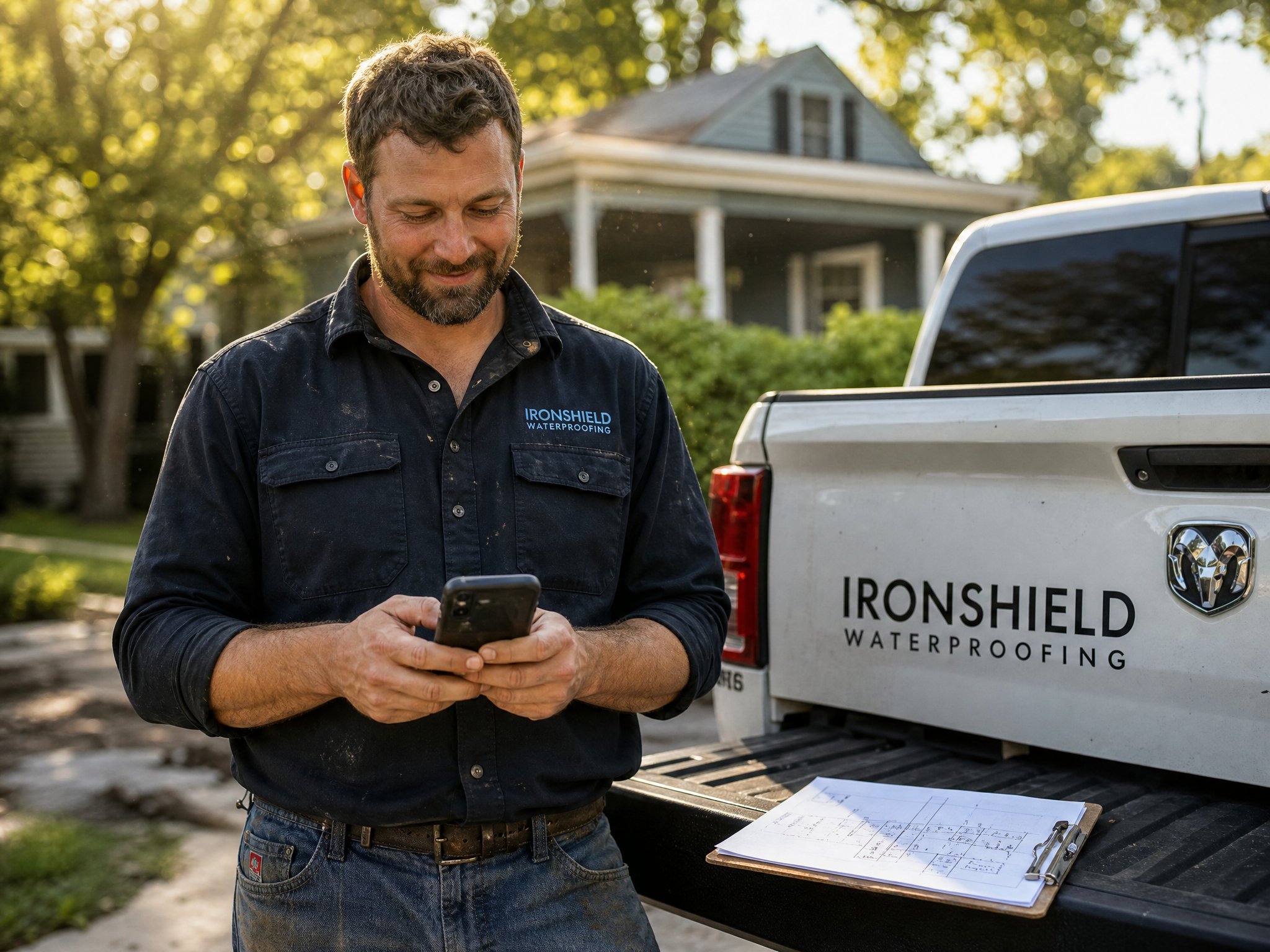
The moment the customer speaks, the machine shuts up. This is the part most small teams get wrong, and it's where automation can make a business look careless.
Reply Stops Sequence
Configure the sequence so any incoming reply pauses automated messages and creates a task or note for the owner. A person responds. The system gets out of the way. Your phone call or text back should feel like a conversation, because it is one.
Opt-Out Stops Texts
If someone replies STOP, texting ends immediately and the preference is logged against the contact. Calling, texting, email and AI usage terms get confirmed before anything is activated, and the Federal Communications Commission explains consumer protections around unwanted calls and texts. This isn't legal advice, so check your own obligations.
Decline Closes Quote
An explicit "no thanks" closes the estimate. Mark it closed, log the reason, and move the contact into a long-term list for seasonal or maintenance reminders instead of continuing active chasing.
Who Owns Each Estimate After It Is Sent?
An estimate nobody owns is an estimate nobody follows up on. In a hypothetical shop, the estimator assumes the office will call, and the office assumes the estimator will. Everyone was busy. Nobody called.
Name One Owner
Assign one person per estimate: the estimator, the office manager or a sales lead. The CRM should show that name and route replies and tasks to them unless someone reassigns it deliberately.
Log Notes and Tasks
After every contact, jot a line. "Worried about price, wants to compare with another quote, call Tuesday." Short beats thorough. When a different team member picks it up, they shouldn't have to ask the customer to repeat themselves.
Set Next-Step Dates
Before closing the screen, set the next-step date. A deal with no date is a deal in limbo. A CRM stage and task setup with owners, notes and due dates keeps each estimate moving or honestly closed.
How Do Waterproofing and Crawlspace Estimates Differ?
The line items differ. Interior drainage, wall crack repair, vapor barriers, insulation, dehumidification: those are trade details, and your estimator knows them better than any template will. The follow-up process doesn't change. Confirm receipt, clarify scope, address price, offer scheduling.
What changes is the wording. A basement waterproofing quote tends to involve a visible problem the homeowner is anxious about, and a crawlspace quote often involves something they've never actually seen. Photos help the second kind enormously. If you want more on how waterproofing companies attract the inquiries in the first place, the basement waterproofing marketing page covers that side of the funnel.
How Can a Connected System Handle the Routine Steps?
Most of this cadence is routine, and routine is what software is good at. DGS bundles seven connected tools at $297/month, listed on the pricing page, and here is how the pieces fit this specific workflow:
A functional website with clear services, service areas and mobile-friendly estimate forms sends inquiries into the CRM.
Missed call text back sends a configured acknowledgment when you can't pick up, so a team member can follow up. It's not emergency dispatch.
Automated lead follow up runs inquiry acknowledgments, estimate reminders and the agreed sequences, stopping on reply or opt-out where configured.
A review funnel asks appropriate customers for honest reviews after the job, with no incentives and no gating.
One-click campaigns reuse referral, seasonal and reactivation templates for declined or quiet estimates.
Local SEO foundations help people in places like Greer find you in the first place, though nothing here guarantees rankings or lead volume. Printing is quoted separately, and ongoing custom SEO or ad management are separate too.
What Questions Come Up Next?
Expect availability, financing, warranty details and scheduling logistics. Route each to the named owner and write the answer in the CRM so your team gives the same one next time. When warranty comes up, describe what your company covers in plain terms. Don't promise health outcomes from marketing copy or from a text message.
Conclusion
A repeatable estimate follow-up doesn't need to be aggressive or elaborate. Answer fast, check in once within two days, add one useful message, close politely, stop the moment someone replies, and give every estimate a named owner and a next-step date. That's a system a small team can actually run.
If you'd like to see how the website, CRM, texting and follow-up tools work together for your trade, book a demo and we'll walk through it, or read how it works first.
Want these workflows set up for your business?
The Digital Growth System includes missed-call text-back, estimate follow-up, and honest review requests, one plan, $297/month.
Keep reading
Lead Follow-Up
Missed-call follow-up basics
Most healthy-home service companies miss calls every day, not because they're disorganized, but because they're on a job. Here's how to think about follow-up so those calls don't disappear.
Lead Follow-Up
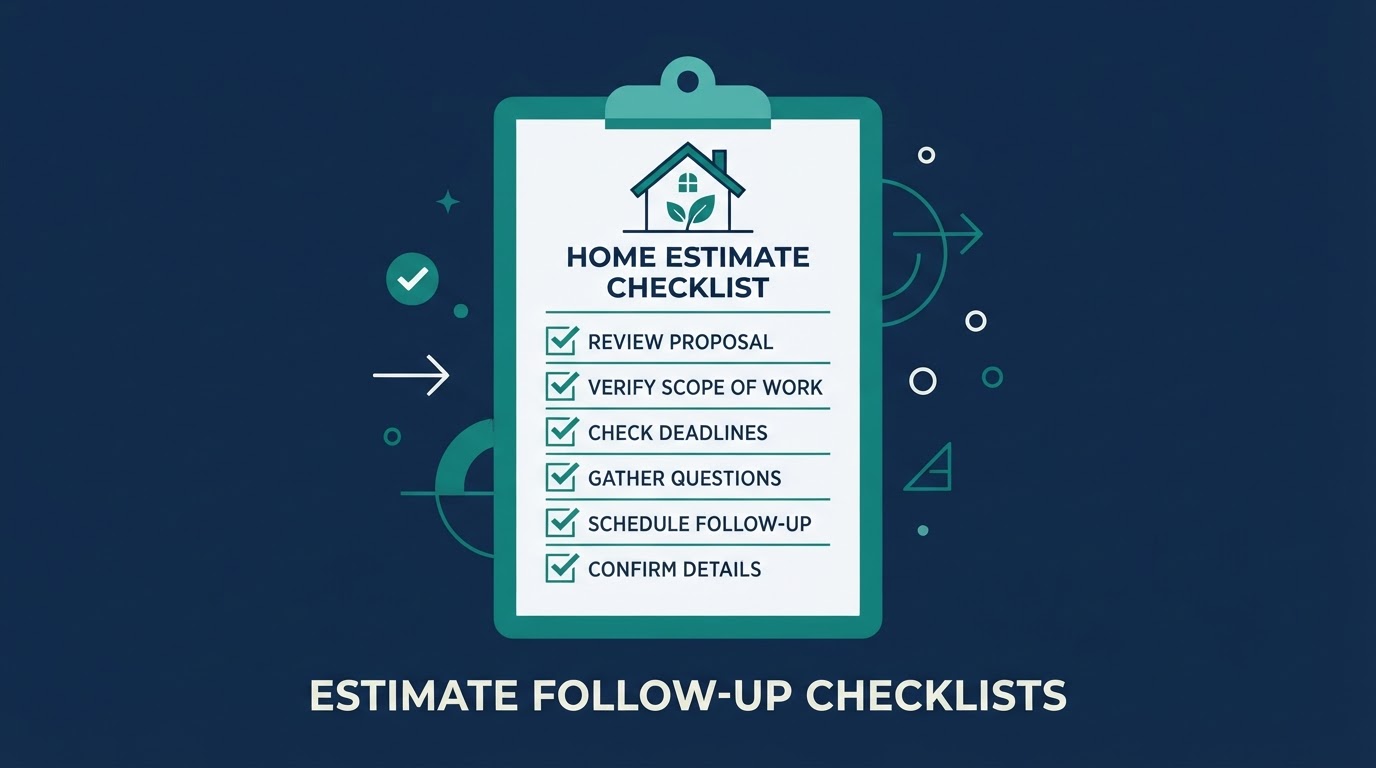
Estimate follow-up checklist
Healthy-home estimates (waterproofing, water treatment, air quality) often involve long consideration windows. A simple follow-up checklist keeps proposals from going cold.